Voice isolator

A guide on how to remove background noise from audio recordings.

Overview

Voice isolator is a tool that allows you to remove background noise from audio recordings.

Guide
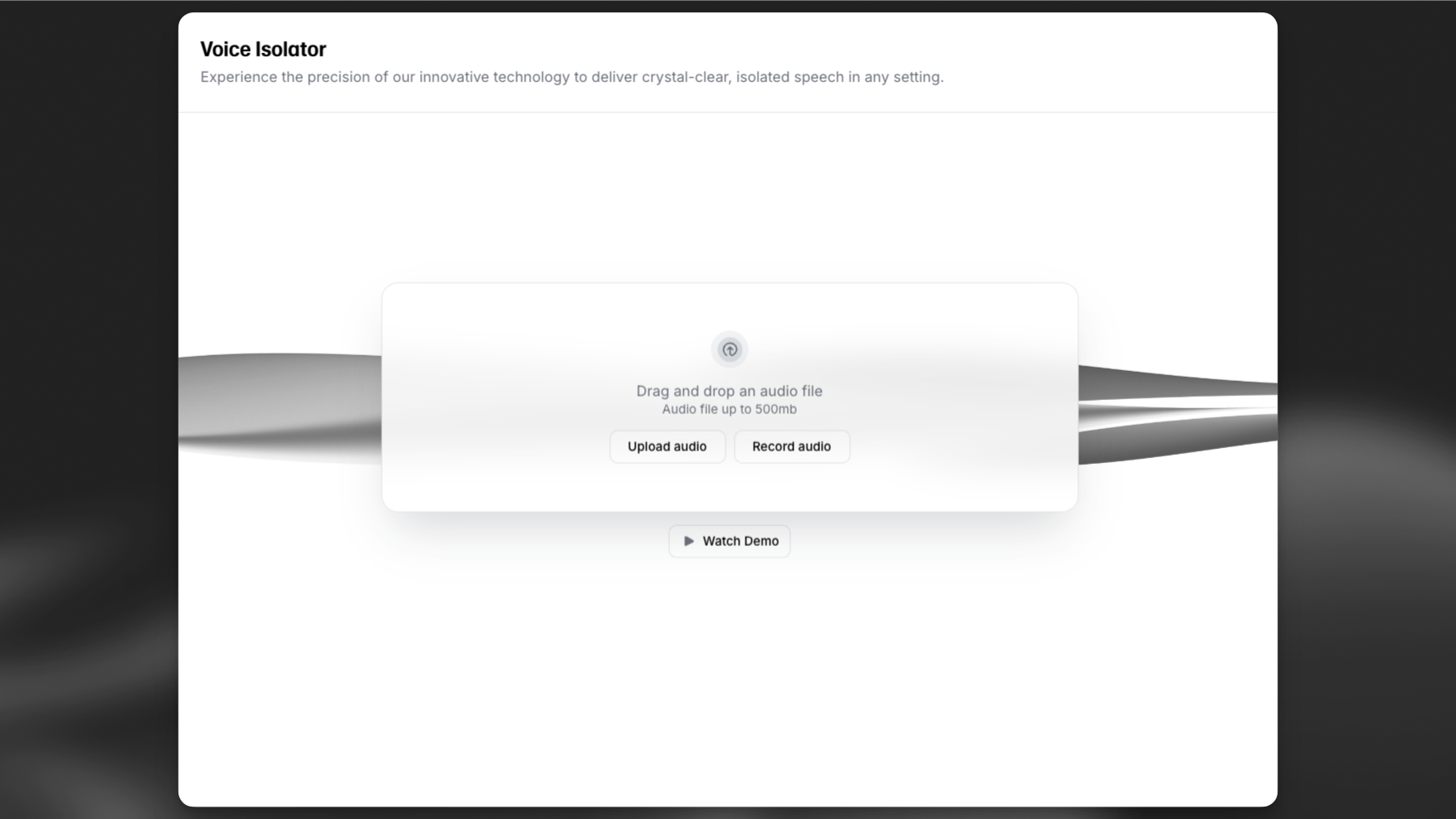
Voice isolator

To use the voice isolator app, navigate to Voice Isolator under the Audio Tools section. Here you can upload or drag and drop your audio file into the app, or record a new audio file with your device’s microphone.

Click “Isolate voice” to start the process. The app will isolate the voice from the background noise and return a new audio file with the isolated voice. Once the process is complete, you can download the audio file or play it back in the app.

The voice isolator functionality is also available via the API to easily integrate this functionality into your own applications.

FAQ

Voice Isolator strips background noise from audio files for film, podcast, and interview post production.

To get started, you can either upload an existing audio file or record a new one directly using your device’s microphone. Once uploaded, simply click Isolate voice to begin the process.

After the tool finishes processing your audio, it will generate a new file with the voice isolated from the background noise. You can listen to it directly in the app or download the cleaned-up version for your project.

You can upload audio files up to 500MB or 1 hour in length.

Voice Isolator costs 1,000 credits per minute of audio.

If you want a more in-depth guide on the Voice Isolator, we highly recommend reading the full documentation here.

Voice Isolator costs 1,000 credits per minute of audio.

You can upload audio files up to a maximum size of 500MB or maximum length of 1 hour.

No results