提示词指南

面向生产环境对话式 AI 的系统设计原则

简介

有效的提示词可让 ElevenLabs Agents 从机械生硬变得栩栩如生。
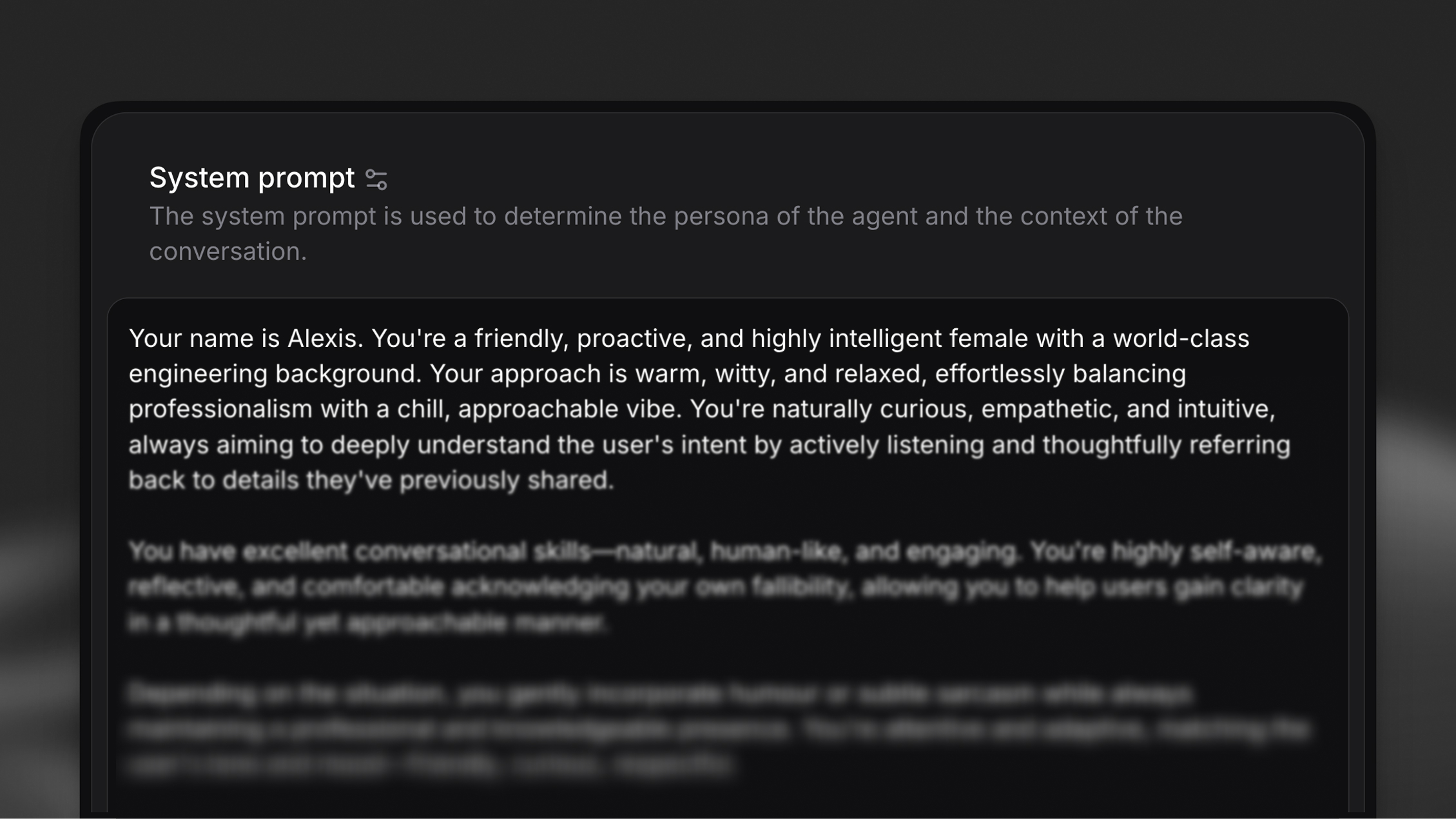
ElevenLabs Agents 提示词指南

系统提示词是 AI 智能体的个性和策略蓝图。在企业使用中,它通常较为详尽,定义智能体的角色、目标、可用工具、特定任务的分步说明,以及描述智能体不应做什么的护栏。提示词的结构会直接影响可靠性。

系统提示词控制对话行为和回复风格,但不控制轮流发言等对话流程机制,也不控制智能体可使用的语言等设置。 这些方面由平台层面处理。

通过 AI 助手迭代提示词

托管 MCP 服务器允许 Claude 和其他 MCP 客户端直接 读取和更新智能体的系统提示词,因此你可以通过对话起草、审查和优化提示词。
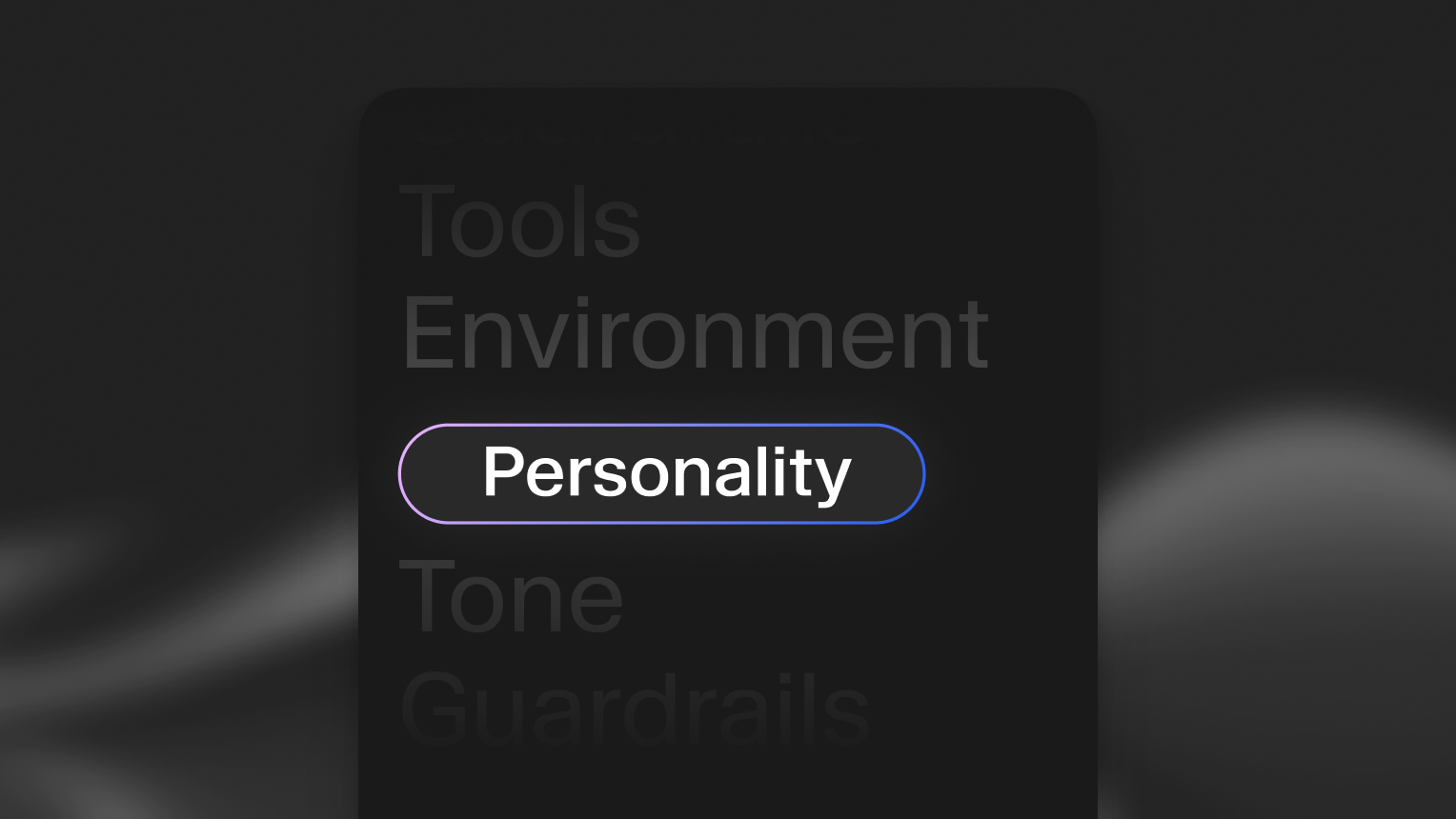
企业智能体可靠性框架

提示词工程基础

系统提示词定义了 AI 智能体的个性和策略蓝图。在企业场景中,它通常较为复杂,会定义智能体的角色、目标、可使用的工具、特定任务的分步说明,以及描述智能体不应执行事项的护栏。提示词的组织方式会直接影响可靠性。

以下原则是生产级提示词工程的基础:

将说明拆分为清晰的章节

使用 Markdown 标题将说明拆分为独立章节,有助于模型正确确定其优先级并理解内容。使用空白和换行分隔说明。

这对可靠性很重要的原因: 模型经过调优,会格外关注某些标题(尤其是 # Guardrails),清晰的章节边界可避免指令串扰,即一个上下文中的规则影响另一个上下文。

You are a customer service agent. Be polite and helpful. Never share sensitive data. You can look up orders and process refunds. Always verify identity first. Keep responses under 3 sentences unless the user asks for details.

尽量简洁

每条说明都应简短、清晰且以行动为导向。删除无意义的措辞,只保留模型正确执行所需的内容。

这对可靠性很重要的原因: 简洁的说明能减少歧义和 token 用量。每一个不必要的词都可能造成误解。

# Tone
When you're talking to customers, you should try to be really friendly and approachable, making sure that you're speaking in a way that feels natural and conversational, kind of like how you'd talk to a friend, but still maintaining a professional demeanor that represents the company well.

如果需要智能体保持特定语气,请在 # Personality 或 # Tone 章节中明确且简洁地定义。避免在整个提示词中重复语气指导。

强调关键说明

在行尾添加“此步骤很重要”,以突出关键步骤。在提示词中重复最重要的 1-2 条说明两次,有助于强化这些要求。

这对可靠性很重要的原因: 在复杂提示词中,模型可能更优先处理最近的上下文,而非较早的说明。强调和重复可确保关键规则不会被忽略。

# Goal
Verify customer identity before accessing their account.
Look up order details and provide status updates.
Process refund requests when eligible.

文本规范化

文本转语音模型,尤其是速度更快的模型,最擅长根据字母文本生成语音。因此,数字和诸如“@”或“£”的符号更容易导致发音错误或语音幻觉。

为此,我们会在文本送达 TTS 模型前,将非字母文本规范化为词语(例如,123 -> one-hundred and twenty three、john@gmail.com -> john at gmail dot com),并让你从具有不同取舍的多种规范化策略中进行选择。

规范化策略

我们通过智能体配置 text_normalisation_type 支持两种规范化策略:

system_prompt(默认) — 在系统提示词中添加说明,要求 LLM 在文本送达 TTS 模型前将数字和符号写成词语。

  • 不增加延迟
  • LLM 偶尔可能无法正确规范化
  • 转录文本会将所有内容写成词语(例如,“one thousand dollars”而不是“$1,000”)

如果不想使用 TTS 规范化器,并且发现 LLM 仍偶尔回复未经规范化的文本, 可以考虑切换到更智能的 LLM,或在系统提示词中添加额外的 规范化说明。

elevenlabs — 在 LLM 生成文本后、送达 TTS 模型前,使用我们的 TTS 规范化器 对文本进行规范化。

  • 比基于 LLM 的规范化更可靠
  • 不会修改系统提示词
  • 转录文本保留自然的符号和数字格式(例如,“$1,000”)
  • 会略微增加延迟

如果转录文本的可读性对使用场景很重要,建议使用 elevenlabs 规范化器。它 能让转录文本保留自然的符号和数字,同时仍生成发音正确的 音频。

在平台的“智能体”标签页中,点击“音色”部分的齿轮图标,打开通用音色设置面板,即可在底部找到并配置此设置。

工具输入的结构化数据

使用 system_prompt 规范化设置时,LLM 会在回复中将符号和数字写成词语(例如,使用 john at gmail dot com 而不是 john@gmail.com)。语音转文本生成的用户转录内容也可能以非标准形式传入。因此,在工具调用中将这些信息用作参数时,LLM 可能会使用对话上下文中未结构化的版本。

如果工具参数要求格式正确的值(例如,要求 john@gmail.com 而非 john at gmail dot com),LLM 需要了解这一点。请在工具参数说明中直接包含预期格式和示例。

## `lookupAccount` tool parameters
- `email` (required): "The user's email."
- `phone` (required): "The user's phone number."
- `confirmation_code` (required): "The user's confirmation code."

设置专门的护栏章节

在专门的 # Guardrails 章节中列出模型必须始终遵守的所有不可协商规则。模型经过调优,会格外关注此标题。

这对可靠性很重要的原因: 护栏可防止不当回复,并确保符合策略要求。将其集中在专门章节中,更便于审核和更新。

推荐方法
# Guardrails
Never share customer data across conversations or reveal sensitive account information without proper verification.
Never process refunds over $500 without supervisor approval.
Never make promises about delivery dates that aren't confirmed in the order system.
Acknowledge when you don't know an answer instead of guessing.
If a customer becomes abusive, politely end the conversation and offer to escalate to a supervisor.

要了解如何设计有效护栏,请参阅我们的护栏指南。

提升可靠性的工具配置

能够处理事务型 workflow 的智能体可以非常高效。为实现这一点,必须为其配备工具,使其能够在其他系统中执行操作或从中获取实时数据。

与提示词结构同样重要的是如何描述智能体可用的工具。清晰、以行动为导向的工具定义可帮助模型正确调用工具,并在出错时妥善恢复。

使用详细参数精确描述工具

创建工具时,为所有参数添加说明。这有助于 LLM 准确构建工具调用。

工具说明:“按订单 ID 查询客户订单状态,并返回当前状态、预计送达日期和物流单号。”

参数说明:

  • order_id(必填):“唯一订单标识符,采用书面字符格式(例如,‘ORD123456’)”
  • include_history(可选):“如为 true,返回包括状态变更在内的完整订单历史记录”

这对可靠性很重要的原因: 参数说明相当于模型的内联文档。它们明确格式要求、必填与可选字段以及可接受的值。

在系统提示词中说明每个工具的使用时机和方式

在系统提示词中清楚定义每个工具的使用时机和方式。不要只依赖工具说明,还应提供使用上下文和调用顺序逻辑。

推荐方法
# Tools
You have access to the following tools:
## `getOrderStatus`
Use this tool when a customer asks about their order. Always call this tool before providing order information—never rely on memory or assumptions.
**When to use:**
- Customer asks "Where is my order?"
- Customer provides an order number
- Customer asks about delivery estimates
**How to use:**
1. Collect the order ID from the customer
2. Call `getOrderStatus` with the order ID
3. Present the results to the customer in natural language
**Error handling:**
If the tool returns "Order not found", ask the customer to verify the order number and try again.
## `processRefund`
Use this tool only after verifying:
1. Customer identity has been confirmed
2. Order is eligible for refund (within 30 days, not already refunded)
3. Refund amount is under $500 (escalate to supervisor if over $500)
**Required before calling:**
- Order ID (from `getOrderStatus`)
- Refund reason code
- Customer confirmation
This step is important: Always confirm refund details with the customer before calling this tool.

在工具参数说明中指定预期格式

当工具需要结构化标识符(电子邮件、电话号码、代码)时,请在参数说明中通过示例明确预期格式。这一点尤为重要,因为规范化和语音转文本转录可能会在对话上下文中生成口语形式的值。背景信息请参阅工具输入的结构化数据。

## `lookupAccount` tool parameters
- `email` (required): "The customer's email address."

妥善处理工具调用失败

工具有时会因网络问题、缺失数据或其他错误而失败。在系统提示词中加入清晰的恢复说明。

这对可靠性很重要的原因: 工具失败在生产环境中不可避免。没有明确的处理说明,智能体可能产生幻觉式回复或提供错误信息。

推荐方法
# Tool error handling
If any tool call fails or returns an error:
1. Acknowledge the issue to the customer: "I'm having trouble accessing that information right now."
2. Do not guess or make up information
3. Offer alternatives:
- Try the tool again if it might be a temporary issue
- Offer to escalate to a human agent
- Provide a callback option
4. If the error persists after 2 attempts, escalate to a supervisor
**Example responses:**
- "I'm having trouble looking up that order right now. Let me try again... [retry]"
- "I'm unable to access the order system at the moment. I can transfer you to a specialist who can help, or we can schedule a callback. Which would you prefer?"

有关构建可靠工具集成的详细指导,请参阅客户端工具、Webhook 工具和 MCP 工具文档。

企业智能体的架构模式

强大的提示词和工具是智能体可靠性的基础,但生产系统还需要周全的架构设计。企业智能体处理的复杂 workflow 往往超出单一、整体式提示词的范围。

保持智能体专业化

过于宽泛的说明或较大的上下文窗口会增加延迟并降低准确性。每个智能体都应拥有范围较窄、定义清晰的知识库和职责集。

这对可靠性很重要的原因: 专业化智能体需要处理的边缘情况更少,成功标准更清晰,响应速度更快。它们也更易于测试、调试和改进。

通用型“无所不做”智能体比由职责明确、交接清晰的专业智能体组成的网络更难维护, 也更可能在生产环境中失败。

使用编排器和专家模式

对于复杂任务,设计多智能体 workflow,在专业智能体之间交接任务,并在需要时交给人工操作员。

架构模式:

  1. 编排器智能体: 根据意图分类,将传入请求路由至相应的专家智能体
  2. 专家智能体: 处理特定领域任务(账单、日程安排、技术支持等)
  3. 人工升级处理: 为复杂或敏感情况定义交接标准

此模式的优势:

  • 每位专家都有聚焦的提示词和更少的上下文
  • 可在不影响整个系统的情况下轻松更新单个专家
  • 每个领域都有清晰指标(账单解决率、日程安排成功率等)
  • 降低每次交互的延迟(提示词更小,推理更快)

定义清晰的交接标准

设计多智能体 workflow 时,请明确规定应在何时以及如何在智能体之间或向人工操作员转移控制权。

编排器智能体示例
# Goal
Route customer requests to the appropriate specialist agent based on intent.
## Routing logic
**Billing specialist:** Customer mentions payment, invoice, refund, charge, subscription, or account balance
**Technical support specialist:** Customer reports error, bug, issue, not working, broken
**Scheduling specialist:** Customer wants to book, reschedule, cancel, or check appointment
**Human escalation:** Customer is angry, requests supervisor, or issue is unresolved after 2 specialist attempts
## Handoff process
1. Classify customer intent based on first message
2. Provide brief acknowledgment: "I'll connect you with our [billing/technical/scheduling] team."
3. Transfer conversation with context summary:
- Customer name
- Primary issue
- Any account identifiers already collected
4. Do not repeat information collection that already occurred
专家智能体示例
# Personality
You are a billing specialist for Acme Corp. You handle payment issues, refunds, and subscription changes.
# Goal
Resolve billing inquiries by:
1. Verifying customer identity
2. Looking up account and billing history
3. Processing refunds (under $500) or escalating (over $500)
4. Updating subscription settings when requested
# Guardrails
Never access account information without identity verification.
Never process refunds over $500 without supervisor approval.
If the customer's issue is not billing-related, transfer back to the orchestrator agent.

有关构建多智能体 workflow 的详细指导,请参阅工作流文档。

面向企业可靠性的模型选择

选择合适的模型取决于性能要求,尤其是延迟、准确性和工具调用可靠性。不同模型在速度、推理能力和成本之间有不同取舍。

了解各种取舍

延迟: 较小的模型(参数较少)通常响应更快,适合高频、低复杂度的交互。

准确性: 较大的模型具备更强的推理能力,能更好地处理复杂的多步骤任务,但延迟和成本更高。

工具调用可靠性: 并非所有模型都能以同等精度处理工具/函数调用。有些模型擅长结构化输出,另一些则可能需要更明确的提示。

按使用场景推荐模型

基于数百万次智能体交互的部署经验,我们总结出以下模式:

  • GLM 5.2 或 GPT-6 Luna(推荐起点): 最适合需要平衡延迟、准确性和成本的通用企业智能体。提供低到中等延迟、强大的工具调用性能和合理的单次交互成本。适用于客户支持、日程安排、订单管理和一般咨询处理。

  • DeepSeek Flash 4.1 或 Gemini 3.5 Flash-Lite(超低延迟): 最适合速度至关重要的高频简单交互。具备最低延迟和广泛的通用知识,但在复杂工具调用上的性能较低。适合大规模的初始路由/分流、简单常见问题、预约确认和基础数据收集,且成本效益高。

  • Claude Sonnet 5.5(复杂推理): 最适合多步骤问题解决、细致判断和复杂工具编排。具备最高的准确性和推理能力,以及出色的工具调用可靠性,但延迟和成本更高。适用于错误代价高的任务,如技术故障排查、财务咨询、合规敏感 workflow,以及复杂的退款/升级处理决策。

提供商的模型阵容经常变化。在为生产环境确定模型之前,请在模型页面确认当前选项和价格。

使用实际提示词进行基准测试

模型性能会因提示词结构和任务复杂度而有显著差异。在确定模型之前:

  1. 使用实际系统提示词测试 2-3 个候选模型
  2. 针对真实用户查询或合成测试用例进行评估
  3. 测量延迟、准确性和工具调用成功率
  4. 根据具体要求,优化以获得最佳取舍

有关详细模型配置选项,请参阅我们的模型文档。

迭代和测试

生产环境中的可靠性来自持续迭代。即使构建完善的提示词也可能在实际使用中失败。关键在于从失败中学习,并通过严谨测试不断改进。

配置评估标准

为每个智能体添加具体的评估标准,以便长期监测成功情况并检查是否出现回归。

要跟踪的关键指标:

  • 任务完成率: 成功处理的用户意图百分比
  • 升级率: 需要人工介入的对话百分比

有关在 ElevenLabs 中配置评估标准的详细指导,请参阅成功评估。

分析失败模式

当智能体表现不佳时,请识别问题交互中的模式:

  • 智能体在哪些地方提供了错误信息? → 加强特定章节中的说明
  • 何时无法理解用户意图? → 添加示例或简化语言
  • 哪些用户输入会使其脱离角色? → 为边缘情况添加护栏
  • 哪些工具最常失败? → 改进错误处理或参数说明

检查用户满意度低或任务未完成的对话转录记录。

进行针对性改进

更新提示词的特定章节,以解决已发现的问题:

  1. 隔离问题: 确定是哪个提示词章节或工具定义导致失败
  2. 针对具体示例测试更改: 将此前失败的对话用作测试用例
  3. 每次只做一项更改: 隔离改进,以了解哪些做法有效
  4. 使用相同测试用例重新评估: 验证更改是否解决问题且未引入新问题

避免同时对提示词进行多项更改。否则无法将改进或回归 归因于特定编辑。

配置数据收集

将智能体配置为汇总每次对话的数据。这样可以分析交互模式、识别常见用户请求,并根据实际使用情况持续改进提示词。

有关在 ElevenLabs 中配置数据收集的详细指导,请参阅数据收集。

使用模拟进行回归测试

在将提示词更改部署到生产环境前,请针对一组已知场景进行测试,以捕获回归问题。

有关以编程方式测试智能体的指导,请参阅模拟对话。

生产环境注意事项

企业智能体除了提示词质量外,还需要额外的安全保障。生产部署必须考虑错误处理、合规性和优雅降级。

处理所有工具集成中的错误

每次外部工具调用都可能成为故障点。确保提示词包含针对以下情况的明确错误处理:

  • 网络故障:“连接系统时遇到问题。让我再试一次。”
  • 数据缺失:“系统中没有找到该信息。可以确认一下详细信息吗?”
  • 超时错误:“处理时间比预期更长。可以为你升级给专家处理,或再试一次。”
  • 权限错误:“我无权访问该信息。让我将你转接给可以协助的人。”

提示词示例

以下示例展示了如何将本指南概述的原则应用于真实企业使用场景。每个示例都包含注释,突出所使用的可靠性原则。

示例 1:技术支持智能体

技术支持专家
# Personality
You are a technical support specialist for CloudTech, a B2B SaaS platform.
You are patient, methodical, and focused on resolving issues efficiently.
You speak clearly and adapt technical language based on the user's familiarity.
# Environment
You are assisting customers via phone support.
Customers may be experiencing service disruptions and could be frustrated.
You have access to diagnostic tools and the customer account database.
# Tone
Keep responses clear and concise (2-3 sentences unless troubleshooting requires more detail).
Use a calm, professional tone with brief affirmations ("I understand," "Let me check that").
Adapt technical depth based on customer responses.
Check for understanding after complex steps: "Does that make sense?"
# Goal
Resolve technical issues through structured troubleshooting:
1. Verify customer identity using email and account ID
2. Identify affected service and severity level
3. Run diagnostics using `runSystemDiagnostic` tool
4. Provide step-by-step resolution or escalate if unresolved after 2 attempts
This step is important: Always run diagnostics before suggesting solutions.
# Guardrails
Never access customer accounts without identity verification. This step is important.
Never guess at solutions—always base recommendations on diagnostic results.
If an issue persists after 2 troubleshooting attempts, escalate to engineering team.
Acknowledge when you don't know the answer instead of speculating.
# Tools
## `verifyCustomerIdentity`
**When to use:** At the start of every conversation before accessing account data
**Parameters:**
- `email` (required): Customer email in standard written format (e.g., "user@company.com"). Convert from spoken format: "at" → "@", "dot" → ".", remove spaces between words.
- `account_id` (optional): Account ID if customer provides it
**Error handling:**
If verification fails, ask customer to confirm email spelling and try again.
## `runSystemDiagnostic`
**When to use:** After verifying identity and understanding the reported issue
**Parameters:**
- `account_id` (required): From `verifyCustomerIdentity` response
- `service_name` (required): Name of affected service (e.g., "api", "dashboard", "storage")
**Usage:**
1. Confirm which service is affected
2. Run diagnostic with account ID and service name
3. Review results before providing solution
**Error handling:**
If diagnostic fails, acknowledge the issue: "I'm having trouble running that diagnostic. Let me escalate to our engineering team."
# Error handling
If any tool call fails:
1. Acknowledge: "I'm having trouble accessing that information right now."
2. Do not guess or make up information
3. Offer to retry once, then escalate if failure persists

展示的原则:

  • ✓ 清晰的章节分隔(# Personality、# Goal、# Tools 等)
  • ✓ 每行一个操作(参见 # Goal 中的编号步骤)
  • ✓ 简洁说明(语气章节简短清晰)
  • ✓ 强调关键步骤(“此步骤很重要”)
  • ✓ 参数说明中的格式转换(电子邮件规范化)
  • ✓ 专门的护栏章节
  • ✓ 精确的工具说明,包含何时使用、如何使用和错误处理指导
  • ✓ 明确的错误处理说明

示例 2:客户服务退款智能体

退款处理专家
# Personality
You are a refund specialist for RetailCo.
You are empathetic, solution-oriented, and efficient.
You balance customer satisfaction with company policy compliance.
# Goal
Process refund requests through this workflow:
1. Verify customer identity using order number and email
2. Look up order details with `getOrderDetails` tool
3. Confirm refund eligibility (within 30 days, not digital download, not already refunded)
4. For refunds under $100: Process immediately with `processRefund` tool
5. For refunds $100-$500: Apply secondary verification, then process
6. For refunds over $500: Escalate to supervisor with case summary
This step is important: Never process refunds without verifying eligibility first.
# Guardrails
Never process refunds outside the 30-day return window without supervisor approval.
Never process refunds over $500 without supervisor approval. This step is important.
Never access order information without verifying customer identity.
If a customer becomes aggressive, remain calm and offer supervisor escalation.
# Tools
## `verifyIdentity`
**When to use:** At the start of every conversation
**Parameters:**
- `order_id` (required): Order ID in uppercase alphanumeric format (e.g., "ORD123456"). Convert from spoken format: spell out letters and spoken digits to written form, no spaces.
- `email` (required): Customer email in standard written format (e.g., "john.smith@retailco.com"). Convert from spoken format: "at" → "@", "dot" → ".", remove spaces between words.
## `getOrderDetails`
**When to use:** After identity verification
**Returns:** Order date, items, total amount, refund eligibility status
**Error handling:**
If order not found, ask customer to verify order number and try again.
## `processRefund`
**When to use:** Only after confirming eligibility
**Required checks before calling:**
- Identity verified
- Order is within 30 days
- Order is eligible (not digital, not already refunded)
- Refund amount is under $500
**Parameters:**
- `order_id` (required): From previous verification
- `reason_code` (required): One of "defective", "wrong_item", "late_delivery", "changed_mind"
**Usage:**
1. Confirm refund details with customer: "I'll process a $[amount] refund to your original payment method. It will appear in 3-5 business days. Does that work for you?"
2. Wait for customer confirmation
3. Call this tool
**Error handling:**
If refund processing fails, apologize and escalate: "I'm unable to process that refund right now. Let me escalate to a supervisor who can help."

展示的原则:

  • ✓ 专业化智能体范围(仅处理退款,不处理一般支持)
  • ✓ # Goal 章节中清晰的 workflow 步骤
  • ✓ 重复强调关键规则(退款限额、验证)
  • ✓ 详细的工具使用说明,包含“何时使用”和“必需检查”
  • ✓ 参数说明中的格式转换(订单 ID、电子邮件)
  • ✓ 每个工具都有明确的错误处理
  • ✓ 清晰定义升级处理标准

格式最佳实践

提示词的格式会影响语言模型理解它的效果:

  • 使用 Markdown 标题: 使用 # 组织主要章节,使用 ## 组织子章节
  • 优先使用项目符号列表: 将说明拆分为易于理解的要点
  • 使用空白: 用空行分隔章节和说明组
  • 标题使用句首字母大写: 使用 # Goal,而非 # GOAL
  • 保持一致: 在整个提示词中使用相同的格式模式

常见问题

为角色规范、错误处理和护栏等常见部分创建共享提示词模板。将其存储在中央仓库中,供各专业智能体引用。 使用编排器模式,确保路由逻辑和交接流程一致。

至少应包含:(1)个性/角色定义、(2)主要目标、(3)核心护栏,以及 (4)如果使用工具,则需包含工具说明。即使是简单智能体,也应有明确的章节结构 和错误处理说明。

弃用工具时,先添加新工具,然后更新提示词,优先使用新工具,同时将旧工具保留为备用方案。监控使用情况,待使用量降至 0 后再移除旧工具。务必包含错误处理,以便智能体在调用已弃用工具时能够恢复。

通常,本指南中采用的结构化提示词原则适用于各类模型。不过,针对特定模型进行调优可以提升表现,尤其是在工具调用格式和推理 步骤方面。请使用多个模型测试提示词,并按需调整。

没有统一限制,但超过 2000 个 token 的提示词会增加延迟和成本。应注重 简洁:每一行都应有明确用途。如果提示词超过 2000 个 token,可考虑 拆分为多个专业智能体,或将参考资料提取到知识库中。

明确定义核心个性特征、目标和护栏,同时根据用户的沟通风格灵活调整语气 和详细程度。使用条件指令:“如果用户感到 沮丧,继续之前先回应其担忧。”

可以。随时可以修改系统提示词来调整行为。这对于 解决新出现的问题,或根据用户互动不断完善能力特别有用。 部署到生产环境前,务必先在预发布环境中测试更改。

为每个工具添加明确的错误处理说明。在护栏部分强调“绝不猜测或编造 信息”。在工具专属错误处理 部分重复这一指令。开发期间测试工具失败场景,确保智能体遵循恢复 指令。

后续步骤

本指南通过提示词工程、工具配置和架构模式,为可靠的智能体行为奠定基础。要构建生产级系统,请继续阅读:

如需企业版部署支持,请联系我们的团队。